
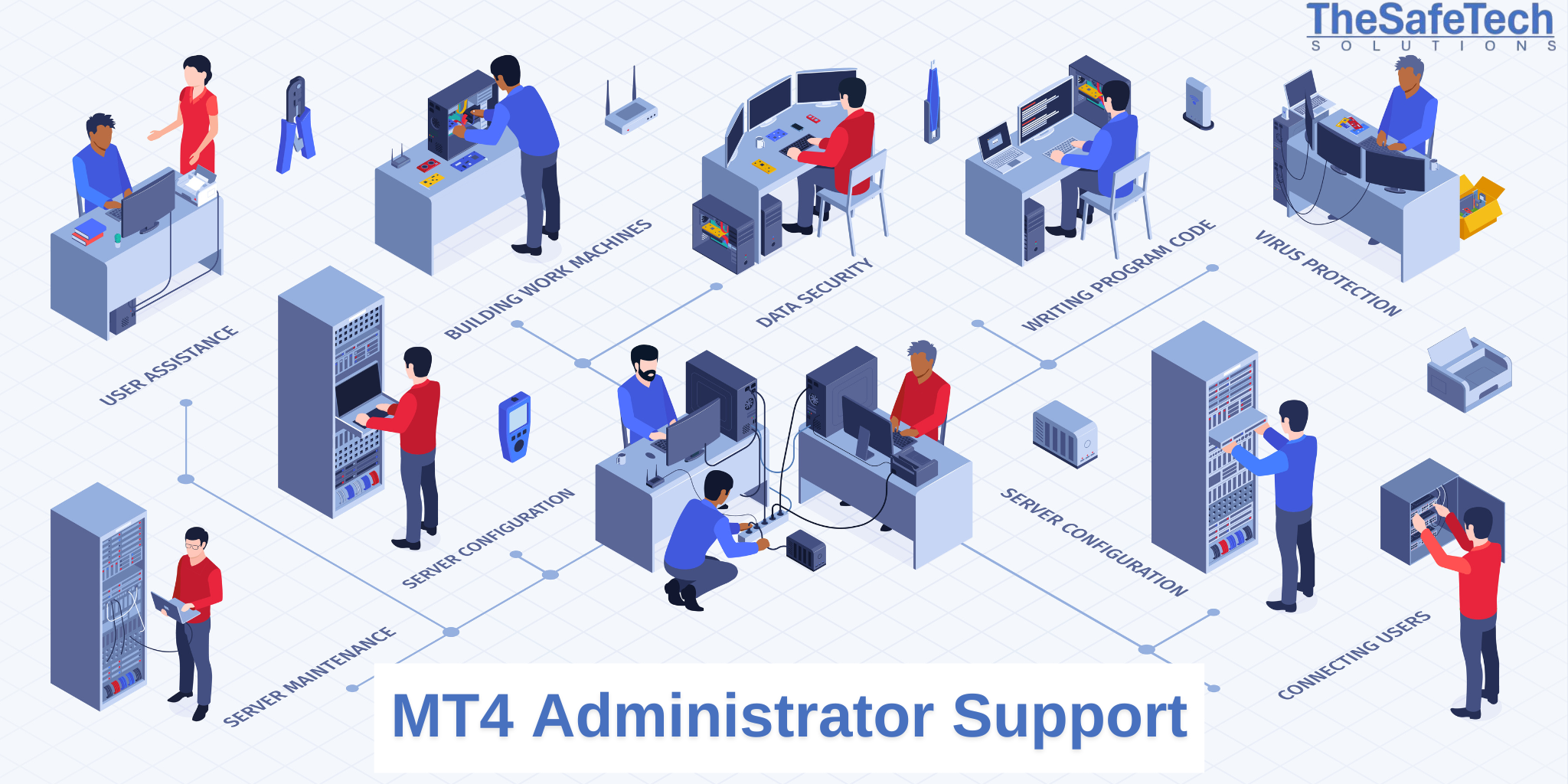
MT4 Manager Support
MT4 Manager is an essential tool for brokers and administrators to manage accounts, monitor trading activity, and control the overall functionality of the MetaTrader 4 (MT4) trading platform. This support content outlines the key features and operations related to MT4 Manager:
1. MT4 Manager Overview:
- Purpose & Functionality: Overview of MT4 Manager, its role in account management, trade supervision, and broker-side operations.
- Interface Familiarization: Explanation of the main sections of the MT4 Manager interface (Accounts, Orders, Exposure, Journal, etc.), and navigation tips.
2. User Account Management:
- Creating & Editing Accounts: Instructions on creating new client accounts and modifying existing account settings.
- Account Groups: Managing account groups with specific rules for different categories of traders.
- Client Login Assistance: Troubleshooting login issues, resetting passwords, and resolving account lockouts.
- View & Modify Account Balance: Steps to adjust client balances and handle non-trading operations.
3. Monitoring & Managing Trades:
- Real-Time Trade Monitoring: How to monitor client trades, including open positions and order history.
- Order Management: Managing and modifying trades, closing positions, and canceling pending orders.
- Exposure Monitoring: Understanding exposure levels across different instruments and client groups.
- Margin Calls & Stop-Outs: Explanation of margin call and stop-out levels and handling margin-related issues.
4. Risk Management & Control:
- Risk Management Tools: Using MT4 Manager tools to mitigate risks (hedging positions, reducing exposure).
- Dealing with High-Risk Clients: Identifying high-risk accounts and applying monitoring strategies.
- Limitations on Trading: Setting limits on specific instruments or trades under certain conditions.
5. Financial Operations:
- Deposits & Withdrawals: Handling deposit and withdrawal requests, automating these processes using APIs.
- Balance Adjustments: Manual balance corrections and client balance queries.
- Transaction Monitoring: Managing financial transactions and adjusting fees/commissions.
- Commission & Swap Management: Setting and adjusting commission structures for account groups.
6. Reports & Analysis:
- Generating Reports: How to generate custom reports on account performance and trading activity.
- Performance Analysis: Tools for analyzing broker performance, including P&L and exposure analysis.
- Audit Trails & Logs: Accessing logs of user activities for compliance and troubleshooting.
7. Dealing Desk Operations:
- Order Execution Control: Managing order execution policies and handling requotes.
- Handling Large Orders: Managing large orders to ensure liquidity and risk are properly handled.
- Bridging Systems: Overview of bridging tools connecting MT4 Manager to liquidity providers.
8. Platform Settings & Customization:
- General Settings: Configuring general platform settings like time zones and price feeds.
- Symbol & Instrument Management: Managing tradable instruments, spreads, and trading sessions.
- Custom Alerts: Setting up alerts for critical events (e.g., price thresholds, margin levels).
9. Troubleshooting & Error Resolution:
- Common Errors: List of common issues and resolution steps.
- Connection Issues: Resolving server-client connection issues and ensuring stable performance.
- Escalating to MetaQuotes: Guidelines for escalating issues to MetaQuotes support.
10. Security & Compliance:
- User Access Control: Managing user permissions and access levels for platform security.
- Data Security: Best practices for securing client data and ensuring regulatory compliance.
- Compliance Reporting: Generating compliance reports to meet regulatory standards.
- Audit & Activity Logs: Using audit logs to track activities for reviews or audits.
11. Software Updates & Maintenance:
- MT4 Manager Updates: Process for updating software and ensuring compatibility.
- Backup & Recovery Procedures: Setting up backups and recovery plans for data loss prevention.
12. Client Support & Training:
- Client Queries: Handling client questions about accounts, trades, and platform functionality.
- Training Clients on MT4: Providing educational resources and troubleshooting guidance.
- Building Knowledge Base: Creating a knowledge base or FAQ section to assist users with frequent issues.
Additional Resources
- MetaTrader 4 Documentation: Official MetaQuotes resources for deep technical information.
- MT4 Manager Training: Internal training sessions or courses to enhance staff knowledge of MT4 Manager features and capabilities.
Get Started with Our MT4 Manager Support Today!
Contact Us:
- Email: support@thesafetechsolutions.com
- Phone: +44 7491573459